
Microsoft 365 vs Office 2021: Which Should You Choose in 2026?
One of the most fiercely debated topics among IT buyers and finance directors is the classic battle of Subscription vs. Perpetual Software.
When looking at the Microsoft 365 vs Office 2021 debate, the appeal of Office 2021 is understandable: you pay for the software once, you own it forever, and you avoid the dreaded monthly subscription fee. For years, this was the standard way businesses procured software.
But in 2026, the digital landscape has completely transformed. With remote work becoming the norm, AI driving unprecedented productivity, and cyberattacks targeting outdated systems, buying static, offline software is no longer a strategic financial decision it is a massive operational risk.
If you are weighing which should you choose, this guide breaks down the core differences, the hidden costs, and why the October 2026 End-of-Support deadline for Office 2021 makes Microsoft 365 the only viable path forward for your business.
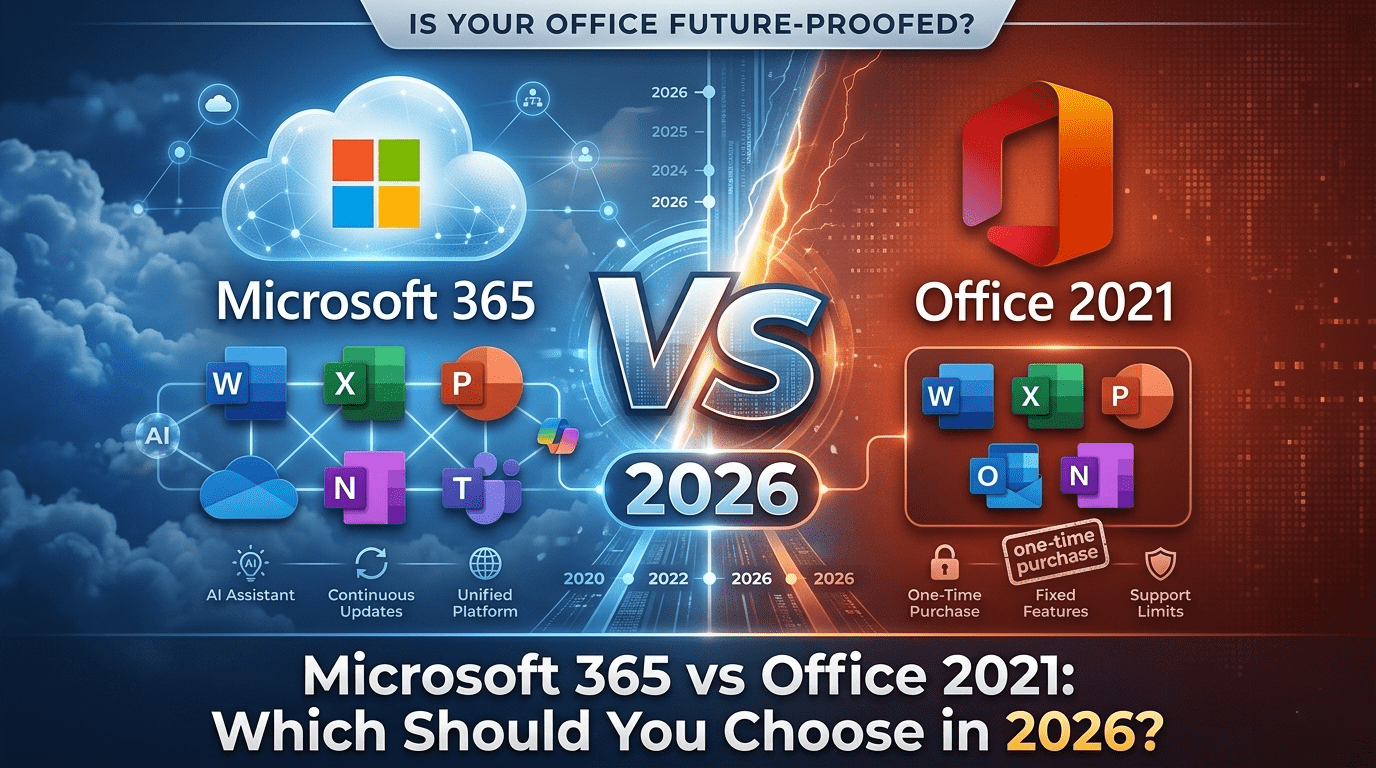
Microsoft 365 vs Office 2021
What is the difference between Microsoft 365 and Office 2021?
Office 2021 is a one-time purchase (perpetual license) that installs classic, offline apps like Word and Excel on a single computer, but never receives feature updates. Microsoft 365 is a cloud-based subscription (SaaS) that includes constantly updated apps, 1TB of cloud storage, enterprise security, Microsoft Teams, and AI tools like Copilot.
(In 2026, businesses must choose Microsoft 365, as Office 2021 reaches its end of lifecycle and will stop receiving security patches).
What is Office 2021? (The Perpetual License)
Office 2021 represents the traditional software distribution model. You pay a single upfront cost (usually around $150 for students/Home or $250+ for Business editions) and you “own” that specific version of the software forever.
Pros of Office 2021:
One-Time Cost: No monthly recurring fees. You pay once and use it for years.
Offline First: It does not require an internet connection to function (after the initial setup).
Familiarity: It provides the exact, unchanging interface of Word, Excel, and PowerPoint that users have known for years.
The Fatal Flaws in 2026:
Zero Feature Updates: The Excel you buy today is the exact same Excel you will have in five years. You do not get new formulas, new UI updates, or AI integration.
No Cloud Storage: It does not include OneDrive or professional Exchange email hosting.
Single Device Only: A license is tied to one PC or Mac. If the hard drive crashes, or an employee needs to work on a tablet or a home computer, they cannot legally or technically use that license.
What is Microsoft 365? (The Cloud Ecosystem)
If Office 2021 is a static tool, Microsoft 365 is a living, breathing digital workspace. It is a subscription service that ensures you always have the most modern, secure, and feature-rich cloud productivity tools.
As we detailed in our main Microsoft 365 vs Office 365 pillar guide, M365 provides:
Multi-Device Access: Install full desktop apps on up to 5 PCs/Macs, 5 tablets, and 5 smartphones per user.
Continuous Innovation: Microsoft pushes monthly updates, including new tools, security patches, and AI capabilities.
Business Collaboration Software: Includes Microsoft Teams for enterprise chat, video conferencing, and VoIP telephony.
Advanced Security: Built-in mobile device management (Intune) and threat protection (Defender) keep company data secure, no matter where an employee logs in from.
Microsoft 365 vs Office 2021: Side-by-Side Comparison
To truly understand the gap between these two models, look at this feature breakdown for modern business use cases:
| Feature / Capability | Office 2021 (One-Time Purchase) | Microsoft 365 (Subscription) |
| Payment Model | Single Upfront Cost | Monthly or Annual Subscription |
| App Updates | No (Security patches only until Oct 2026) | Yes (Monthly feature & security updates) |
| Installations per User | 1 PC or Mac | Up to 15 devices (5 PCs, 5 Tablets, 5 Phones) |
| Cloud Storage | None included | 1TB+ OneDrive storage per user |
| Email Hosting | No (Must buy separate Exchange host) | Yes (50GB+ professional mailbox) |
| Real-Time Co-Authoring | Limited / Clunky | Yes (Seamless multi-user cloud editing) |
| Copilot AI Integration | No | Yes (Available as an add-on) |
The 2026 Reality Check: Office 2021 is Reaching “End of Life”
This is the most critical factor for any IT decision-maker reading this today.
Microsoft follows a strict Fixed Lifecycle Policy for its perpetual software. Office 2021 reaches its End of Support (EOS) on October 13, 2026.
What does this mean for your business?
No More Security Patches: After October 2026, if a hacker discovers a vulnerability in Office 2021’s code, Microsoft will not fix it. Continuing to use the software puts your entire network at risk of ransomware and data breaches.
Compliance Violations: Frameworks like HIPAA, GDPR, and SOC2 require businesses to use actively supported and patched software. Running Office 2021 post-EOS will cause you to fail audits instantly.
Compatibility Issues: As Windows 11 evolves and third-party plugins update, Office 2021 will slowly stop working with modern enterprise tools.
Because of this, buying Office 2021 now is a sunk cost. You will be forced to migrate within the year anyway.
Cost Comparison: Is the One-Time Purchase Actually Cheaper?
Finance departments often push for Office 2021 to avoid recurring operational expenses (OpEx) in favor of capital expenditures (CapEx). But the math does not hold up when you look at the big picture.
Let’s say you buy Office Home & Business 2021 for $249 per user.
To replicate a modern business environment, you still have to pay separately for:
Email Hosting: ~$4 to $6/user/month for basic Exchange or Google Workspace.
Cloud Storage: ~$5 to $10/user/month for Dropbox or Box.
Video Conferencing: ~$15/user/month for Zoom.
Cybersecurity: ~$5 to $10/user/month for enterprise antivirus and device management.
By piecing these together, you are spending an extra $30 to $40 per user, per month far exceeding the cost of a comprehensive Microsoft 365 vs Office 365 Pricing plan like Business Premium (approx. $22/month), which includes all of the above natively.
Why Microsoft 365 is the Ultimate Choice for Businesses
If you want to build a resilient, scalable company, the one-time purchase model is dead. Here is why enterprise cloud solutions like Microsoft 365 are mandatory:
The AI Advantage: We are in the era of Artificial Intelligence. Microsoft Copilot which can draft Word proposals, analyze Excel data, and summarize Teams meetings is physically impossible to run on the static, offline architecture of Office 2021.
Zero-Trust Architecture: With employees working from coffee shops, airports, and home networks, the perimeter of your office no longer exists. Microsoft 365 secures the identity and the device, ensuring your data is safe regardless of where your team is sitting.
Seamless Scalability: Need to hire 10 new people? With M365, you spin up 10 new licenses in minutes. If you used Office 2021, you would have to purchase 10 physical license keys, manually install them on each machine, and track the hardware.
FAQ
Yes. Microsoft is heavily prioritizing its cloud-based Microsoft 365 subscriptions. While they do release new perpetual versions (like Office 2024 for specific edge cases like manufacturing floors without internet), Microsoft 365 is the standard replacement for 99% of businesses and consumers.
No. Office 2021 is a perpetual license, and Microsoft 365 is a subscription service. There is no free upgrade path. You must purchase a new Microsoft 365 subscription and transition your users to the cloud environment.
Yes. Mainstream support for Office 2021 ends on October 13, 2026. After this date, it will no longer receive security updates, bug fixes, or technical support from Microsoft, making it dangerous for business use.
Microsoft 365 is objectively better. It provides ongoing feature updates, 1TB of cloud storage, multi-device installation, Microsoft Teams collaboration, and crucial cybersecurity features that Office 2021 completely lacks.
Stop Buying Software, Start Building Infrastructure
The decision in the Microsoft 365 vs Office 2021 debate is clear.
Office 2021 is a relic of the past a static tool that will soon become a security liability for any business that continues to use it. Microsoft 365 is an investment in your company’s future, giving your team the business collaboration software and AI tools they need to stay competitive.
Time is Running Out on Office 2021
With the October 2026 End-of-Life deadline rapidly approaching, businesses running older versions of Office must start their migration planning today. Waiting until the last minute will lead to IT bottlenecks, potential data loss, and severe security vulnerabilities.
At Livexpert, we specialize in seamless cloud transformations. If you are stuck on a perpetual license and need to move to the cloud, our team will handle the entire process with zero downtime.
👉 Check out our Office 365 to Microsoft 365 Migration Checklist to see the steps involved, or Contact Livexpert today for a fully managed migration service and future-proof your business instantly. Check out Bridge To Cloud 3 Offer…