
Is Office 365 Discontinued in 2026? What Replaced It & Why
If you are an IT admin auditing your software licenses, or a business owner looking to purchase new productivity tools in 2026, you have likely hit a wall of confusion: Is Office 365 discontinued? Where did the world’s most famous software suite go?
For a decade, “Office 365” was synonymous with getting work done. It was the standard for Word, Excel, and Outlook. But if you go to Microsoft’s website today to buy a plan for your small or medium-sized business, the name is seemingly nowhere to be found.
The short answer is: Yes, the Office 365 brand for small and medium businesses has been retired. But the software itself didn’t die it evolved into something much more powerful.
In this guide, we will clear up the confusion, reveal the office 365 new name, explain exactly what replaced Office 365, and show you why this transition is the best thing that could have happened for your company’s IT infrastructure.
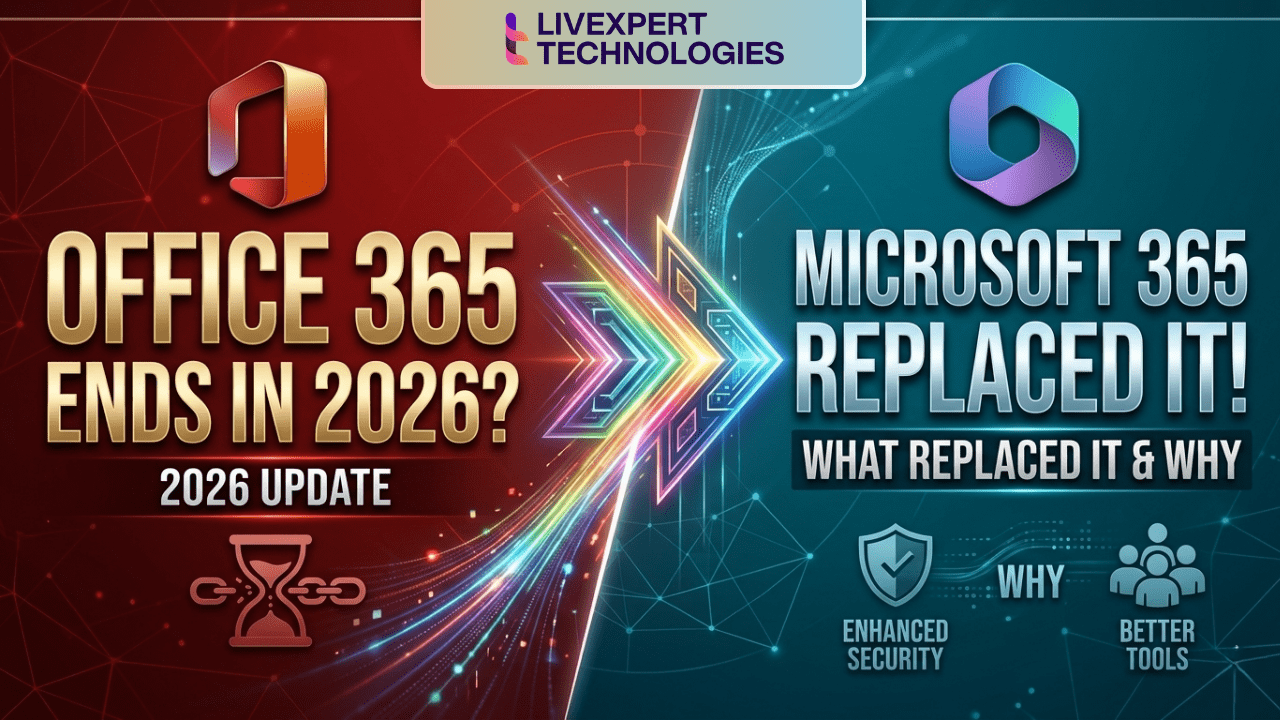
Did Microsoft Stop Office 365?
Did Microsoft stop Office 365?
No, Microsoft did not stop the service, but they did stop using the name for most users. In April 2020, Microsoft officially rebranded its small and medium-sized business (SMB) Office 365 subscriptions to Microsoft 365. The core apps (Word, Excel) remain, but they are now bundled with advanced cybersecurity, mobile device management, and AI tools. (Note: The “Office 365” name technically still exists today only for specific, large-scale Enterprise plans like E1, E3, and E5).
What Replaced Office 365? (Enter the Modern Cloud)
So, if the legacy brand is mostly gone for the average business, what replaced Office 365?
The answer is Microsoft 365.
However, it is crucial to understand that Microsoft 365 is not just a fresh coat of paint. It is a fundamental shift in how Microsoft delivers technology to businesses.
Office 365 was built for an era where the primary goal was document creation. It gave you cloud-connected versions of Word, PowerPoint, and Excel. But as the digital landscape shifted to remote work, aggressive cyber threats, and artificial intelligence, a basic “office suite” was no longer enough.
The Microsoft 365 Upgrade Includes:
When you upgrade to Microsoft 365 today, you are getting the legacy Office apps, plus:
Enterprise Mobility + Security (EMS): Tools like Microsoft Intune allow you to manage and secure company data on employee smartphones and laptops.
Advanced Cyber Defense: Microsoft Defender for Business protects against ransomware, phishing, and malware in real-time.
Windows Integration: Many tiers include Windows OS licensing, ensuring your whole fleet is on a secure, uniform operating system.
Microsoft Copilot: The ultimate 2026 AI assistant that drafts emails, analyzes data, and automates mundane tasks directly within your apps.
If you want a deep dive into how these two ecosystems differ fundamentally, read our complete Microsoft 365 vs Office 365 Pillar Guide.
Office 365 New Name: Breaking Down the Tiers
One of the biggest pain points during this transition was figuring out which old plan mapped to which new plan. If you are looking for the office 365 new name for your current subscription, here is the official translation map:
Old Name: Office 365 Business Essentials
New Name: Microsoft 365 Business Basic (Cloud-only apps + Email)Old Name: Office 365 Business Premium
New Name: Microsoft 365 Business Standard (Desktop apps + Email)Old Name: Microsoft 365 Business
New Name: Microsoft 365 Business Premium (Desktop apps + Advanced Security)Old Name: Office 365 Business
New Name: Microsoft 365 Apps for Business (Just the apps, no email hosting)
(Curious about how much these new tiers cost? Check out our detailed Microsoft 365 vs Office 365 Pricing Breakdown).
Why Office 365 Changed to Microsoft 365
Search engines are flooded with the question: Why office 365 changed to microsoft 365?
Microsoft didn’t make this change just to confuse IT departments. The rebranding was a strategic necessity based on three massive shifts in the business world:
“Office” is No Longer a Place: The word “Office” implies sitting at a physical desk from 9-to-5. Modern work happens on iPhones at airports, on tablets in coffee shops, and on laptops in home offices. “Microsoft 365” reflects a cloud environment that secures and empowers your team 365 days a year, from anywhere on earth.
Consolidation of IT Vendors: Before this change, a company bought Office 365 for apps, paid a different vendor for antivirus, and paid another for device management. Microsoft realized they could provide all of this natively in one subscription, making the name “Office” far too limiting for what the software actually did.
The Rise of AI and Big Data: With the integration of the Microsoft Graph (which connects all your company’s data points) and Copilot AI, the platform became an intelligent ecosystem, not just a suite of blank documents.
Office 365 End of Life: Is Your Business at Risk?
There is a major distinction we must make here. While the subscription name Office 365 was merely rebranded, older, perpetual (one-time purchase) versions of Office are facing actual obsolescence.
If you are searching for office 365 end of life, you are likely thinking of standalone software like Office 2016, Office 2019, or Office 2021.
Office 2016 & 2019: Reached their End of Support (EOS) in October 2025. If you are still running these, your business is actively exposed to unpatched security vulnerabilities.
Office 2021: Reaches its End of Support in October 2026.
Once software reaches its End of Life, Microsoft stops providing security patches. If a hacker finds a backdoor into Excel 2019 today, Microsoft will not fix it. If you are stuck on these legacy systems, it is critical to read our guide: Microsoft 365 vs Office 2021: Which Should You Choose? and plan your migration immediately.
The Microsoft Office 365 Update: What You Need to Do Now
If you are an existing customer, the microsoft office 365 update and name change happened automatically in your admin center years ago. You didn’t lose any files, and your price didn’t jump overnight purely because of the name change.
However, your IT strategy needs to update as well.
Many businesses are paying for Microsoft 365 Business Premium, but are still only using it like the old Office 365. They are typing in Word and checking Outlook, but they aren’t utilizing Microsoft Intune to secure their devices, and they aren’t deploying Defender to stop phishing attacks.
You are paying for a Ferrari but driving it like a golf cart.
FAQ
For businesses with under 300 employees, the name is completely gone, having been replaced by Microsoft 365. However, for large corporations (300+ users), Microsoft still sells legacy “Office 365 Enterprise” licenses (E1, E3, E5), though they actively encourage upgrading to the more secure Microsoft 365 Enterprise tiers.
No. If you had Office 365 installed, the software automatically updated itself via the cloud to reflect the new Microsoft 365 branding and features. No manual reinstallation was required.
If you are an SMB, no. You must purchase a Microsoft 365 plan. If you are a large enterprise, you can technically still purchase Office 365 E3 or E5, but doing so means you miss out on the integrated Windows OS licensing and advanced security that comes with Microsoft 365.
Office 365 was primarily a suite of productivity apps (Word, Excel, PowerPoint) and email. Microsoft 365 includes all of those apps, but adds a massive layer of cybersecurity, mobile device management, and AI capabilities designed for the modern remote workforce.
Next Steps: Stop Using Legacy Software
The end of the Office 365 brand was a wake-up call for the IT world. The tools required to run a business safely have changed.
If you are still thinking in terms of “buying Office,” your business is likely vulnerable to modern cyber threats and falling behind competitors who are leveraging AI and cloud automation.
Maximize Your Microsoft Investment
At Livexpert, we don’t just sell licenses. We help businesses transition from outdated, legacy setups into fully optimized, secure Microsoft 365 environments.
Whether you need to migrate off an old perpetual license, or you want to unlock the advanced security features you are already paying for, our team is ready to help.
Check out our Office 365 to Microsoft 365 Migration Checklist or Contact Livexpert today to schedule a free Microsoft 365 IT assessment.