
Top 7 Microsoft 365 Benefits for Companies in 2026 (Why You Need to Upgrade)
In 2026, the technology a company relies on is no longer just a background operational cost, it is a primary driver of competitive advantage. If your team is still using disconnected software, saving files to local hard drives, and communicating through disjointed apps, your business is actively losing time, money, and security.
When evaluating an IT overhaul, executives almost always ask: Why use Microsoft 365?
The answer lies in consolidation. As we highlighted in our comprehensive Microsoft 365 vs Office 365 pillar guide, Microsoft 365 is not just a suite of applications. It is an entire corporate ecosystem designed to unify your workflow, secure your intellectual property against modern cyber threats, and leverage artificial intelligence to multiply your workforce’s output.
If you are building a business case for a cloud upgrade, here is a detailed breakdown of the top Microsoft 365 benefits for companies, and why making the switch is the highest-ROI decision you can make this year.
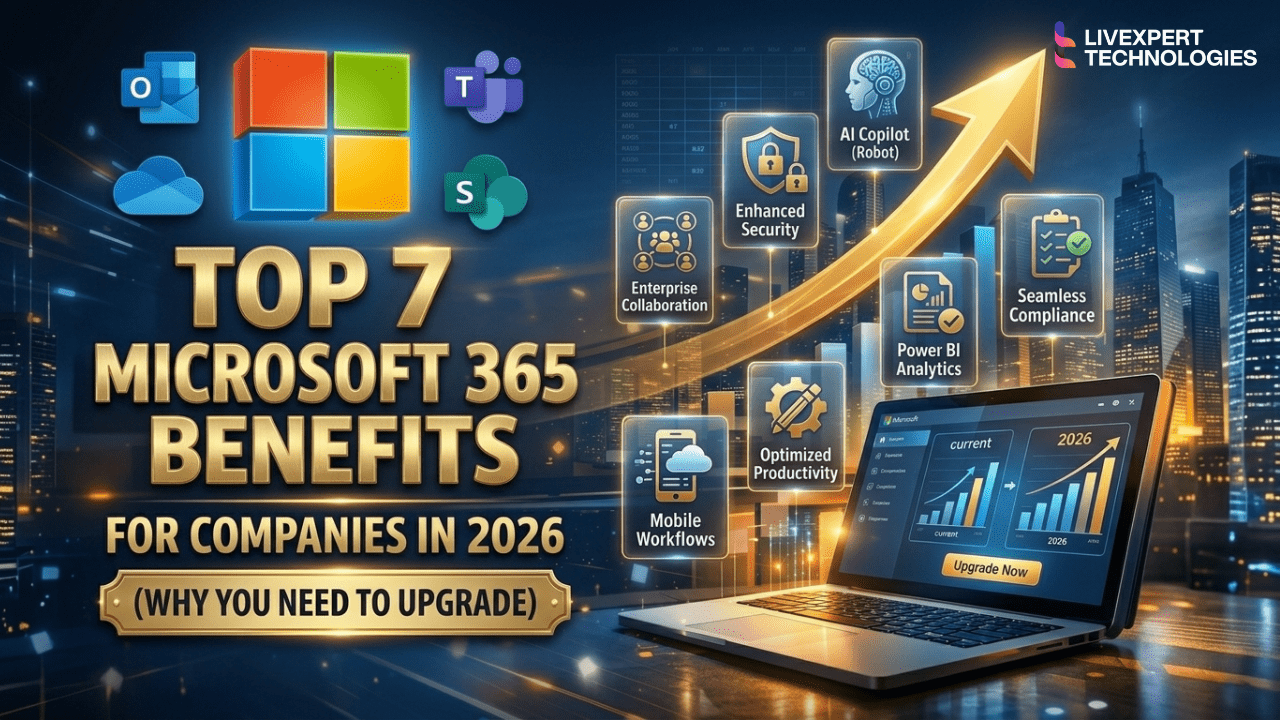
Why Companies Use Microsoft 365
Why do companies use Microsoft 365?
Companies use Microsoft 365 because it consolidates their entire IT infrastructure into one unified platform. The main microsoft 365 business benefits include seamless remote collaboration (via Teams and SharePoint), massive IT cost reductions by replacing third-party software, enterprise-grade cybersecurity (Zero-Trust architecture), and unparalleled AI-driven productivity through Microsoft Copilot.
1. Unmatched AI-Driven Productivity (Microsoft Copilot)
In 2026, the most significant addition to the list of microsoft 365 advantages is Artificial Intelligence. We are no longer just typing documents; we are directing AI to do the heavy lifting for us.
Microsoft Copilot is deeply integrated into the applications your team uses every single day:
In Outlook: Copilot can summarize a massive, 40-email thread into three bullet points and instantly draft a professional reply based on your company’s tone.
In Excel: It can analyze thousands of rows of financial data, identify trends, and generate visual charts in seconds without requiring complex formulas.
In Teams: If an employee joins a meeting 15 minutes late, Copilot can instantly generate a private summary of what they missed and what action items have been assigned.
These business productivity tools don’t just save minutes; they save thousands of hours of manual labor per year, allowing your employees to focus on high-level strategy rather than administrative busywork.
2. Vendor Consolidation & Massive IT Cost Reduction
At first glance, a premium cloud subscription seems like a major expense. But one of the most compelling benefits of Microsoft 365 is what it allows you to cancel.
Many businesses suffer from “vendor sprawl.” They pay for:
Zoom or Webex for video conferencing ($15/user/month)
Slack for internal chat ($8/user/month)
Dropbox or Box for file storage ($15/user/month)
Third-party Antivirus like CrowdStrike or SentinelOne ($10/user/month)
Okta for identity management ($5/user/month)
Total redundant cost: ~$53 per user, per month.
When you upgrade to a plan like Microsoft 365 Business Premium (approx. $22/month), all of these capabilities are included natively. You get Teams, OneDrive, Microsoft Defender, and Entra ID in one unified bill.
Curious about the exact math? Read our complete breakdown of Microsoft 365 Business Plans Pricing to see how much your company could save.
3. Real-Time, Frictionless Collaboration
The days of emailing a document back and forth with file names like “Q3_Report_Final_V4_ActualFinal.docx” are completely over.
Microsoft 365 uses SharePoint and OneDrive as its backbone. This means multiple employees can open the same Word document, Excel spreadsheet, or PowerPoint presentation and edit it simultaneously from different sides of the globe. You can see your colleagues’ cursors moving in real time.
Coupled with Microsoft Teams, which acts as the central hub for department channels, file sharing, and VoIP calling, your company’s communication becomes instantaneous and centralized.
4. Enterprise-Grade, Zero-Trust Security
With cyberattacks especially ransomware and phishing targeting SMBs at an alarming rate, basic antivirus software is no longer enough. The most critical of all microsoft 365 business benefits is its approach to cybersecurity.
Microsoft operates on a “Zero-Trust” architecture. It assumes every login attempt could be a hacker.
Microsoft Defender for Business: Automatically scans emails for malicious links, detonating them in a safe sandbox before they reach an employee’s inbox.
Data Loss Prevention (DLP): You can set policies that physically prevent an employee from emailing a document containing credit card numbers or Social Security numbers to anyone outside the company.
Conditional Access: Block login attempts originating from foreign countries or unrecognized IP addresses.
To dive deeper into how this protects your bottom line, read our guide: Microsoft 365 Security Features Explained.
5. True Mobile Device Management (MDM)
In a hybrid work environment, company data doesn’t just live on office desktop computers. It lives on personal iPhones, home iPads, and remote laptops. How do you protect data on a device the company doesn’t own?
Through Microsoft Intune (included in Premium and Enterprise tiers), IT administrators can separate company data from personal data.
If an employee loses their iPhone at an airport, your IT team can remotely wipe all company emails and SharePoint files instantly, without deleting the employee’s personal photos or apps.
You can enforce policies requiring FaceID or a PIN before an employee can open the Outlook mobile app.
You can mandate BitLocker encryption on all company Windows laptops.
6. 99.9% Uptime and Disaster Recovery
Maintaining an on-premise physical server in your office closet is a massive liability. If the server crashes, the power goes out, or the building floods, your business halts entirely until hardware is replaced.
By migrating to Microsoft 365, your data is hosted in Microsoft’s geographically redundant, ultra-secure data centers. They guarantee 99.9% financially backed uptime. Your employees can continue working from their laptops at home or a coffee shop, ensuring your business never misses a beat, even during local disasters.
7. Infinite Scalability
Scaling an on-premise IT infrastructure is painful. If you hire 20 new employees, you have to buy a new physical server, purchase static license keys, and spend weeks configuring hardware.
One of the greatest microsoft 365 advantages is elasticity. If you acquire a new company or hire a wave of new staff, adding them to your network takes five minutes. You simply log into the Microsoft Admin Center, purchase the required number of licenses, and provision their accounts instantly. If you need to downsize, you remove the licenses and stop paying for them the very next month.
FAQ
The main benefits include real-time collaboration via Microsoft Teams, massive cost savings through IT vendor consolidation, advanced Zero-Trust cybersecurity to prevent data breaches, and the ability to automate routine tasks using Microsoft Copilot AI.
While Google Workspace is great for simple web-based collaboration, scaling companies use Microsoft 365 because it offers vastly superior desktop applications (like the industry-standard Excel), deeper enterprise-level security and compliance controls, and more advanced AI integration.
Yes, Microsoft 365 is phenomenal for small businesses. It levels the playing field by giving a 10-person startup access to the exact same enterprise-grade security, communication tools, and AI capabilities used by Fortune 500 companies, all for a low, predictable monthly fee.
It improves productivity by eliminating version control issues through real-time co-authoring, centralizing all communication into Microsoft Teams so employees aren’t constantly switching apps, and utilizing Copilot AI to automate mundane data entry and email drafting.
Stop Paying for Software, Start Investing in Infrastructure
When you evaluate the comprehensive benefits of Microsoft 365, the conversation shifts from “How much does this cost?” to “How much is our current setup costing us in lost time and security vulnerabilities?”
Microsoft 365 is the definitive operating system for the modern business. However, unlocking these benefits requires a flawless setup. Simply buying the licenses won’t automatically secure your iPhones or configure your Teams channels.
Realize the ROI with Livexpert
To truly leverage these business productivity tools, you need an expert deployment. As a premier Microsoft implementation partner, Livexpert ensures your company gets maximum ROI from day one.
We handle the entire process from auditing your current licenses to migrating your data securely and training your staff on AI tools.
Read our Complete Microsoft 365 Implementation Guide to see how we deploy these systems.
Contact Livexpert today for a Free IT Consultation and Licensing Audit and transform the way your company does business.