
The Complete Microsoft 365 Implementation Guide for Businesses (2026)
Deciding to upgrade your company’s IT infrastructure is a massive step forward. But as many IT directors quickly discover, buying the licenses is the easy part. The real challenge is the Microsoft 365 implementation.
A proper microsoft 365 setup for business is not as simple as creating an account and downloading Word and Excel. In 2026, setting up a Microsoft tenant involves configuring complex Zero-Trust security policies, syncing on-premise Active Directories with the cloud, migrating years of sensitive data, and preparing your environment for advanced AI tools like Microsoft Copilot.
Get it right, and your company will experience unprecedented productivity and security. Get it wrong, and you risk catastrophic data loss, compliance violations, and massive employee downtime.
In this definitive microsoft 365 deployment guide, we will walk you through the exact multi-phase process our engineers at Livexpert use to seamlessly transition businesses to the cloud.
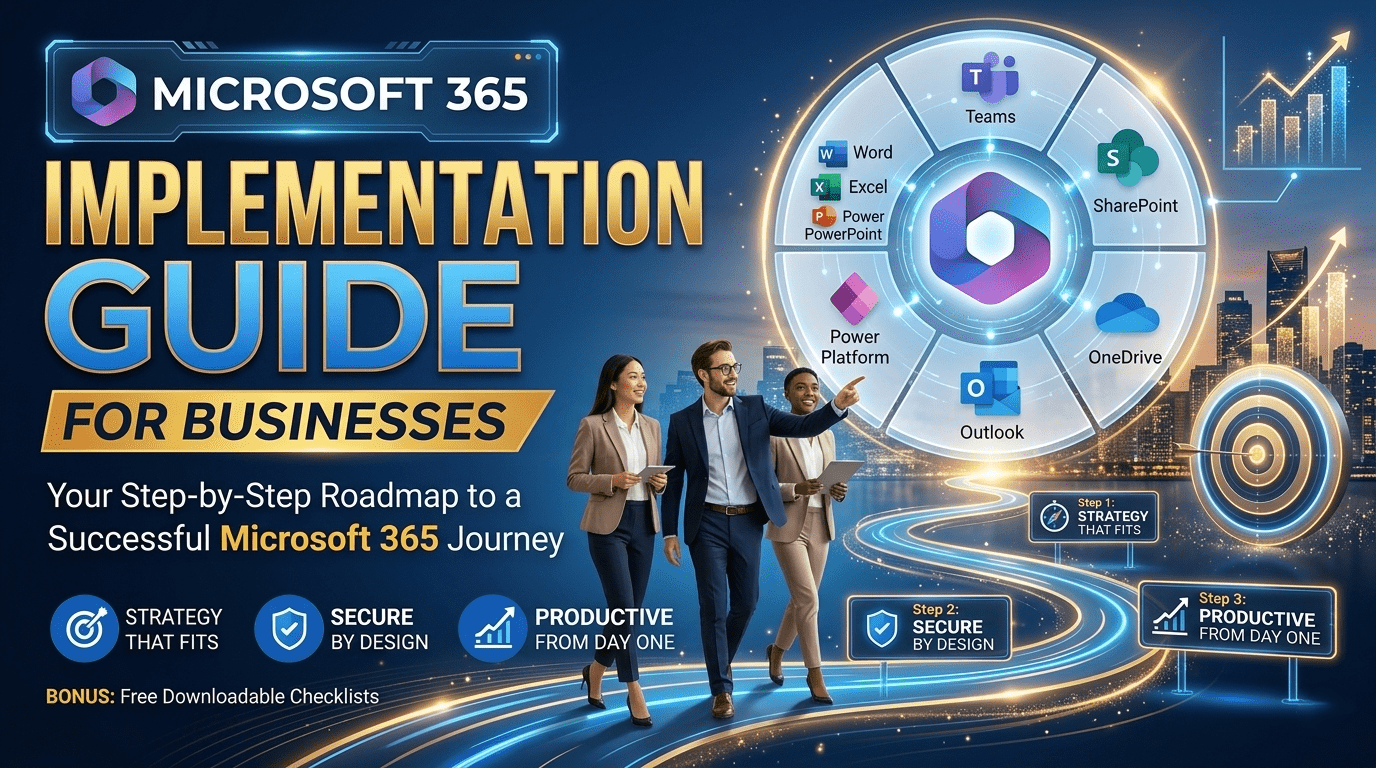
What is Microsoft 365 Implementation?
What does a Microsoft 365 implementation include?
A professional Microsoft 365 implementation includes provisioning the Microsoft tenant, configuring DNS records for Exchange email, mapping and migrating existing company data (emails, files, calendars) to SharePoint and OneDrive, deploying zero-trust security policies via Microsoft Intune and Defender, and onboarding users all with zero operational downtime for the business.
Phase 1: Pre-Deployment Assessment & Licensing
Before a single file is moved, you must architect the environment. Rushing into a microsoft 365 implementation without a blueprint is the #1 cause of deployment failure.
1. License Optimization
As we discussed in our detailed Microsoft 365 Business Plans Comparison, choosing the right mix of licenses is critical. You do not need to buy Business Premium for every single employee.
Map out user personas (e.g., Executives, Remote Workers, Frontline Staff).
Assign licenses based on security needs and application requirements.
2. Infrastructure & Network Readiness
Evaluate your current bandwidth. Can your office network handle 50+ employees simultaneously syncing files to OneDrive?
Audit your current environment (Google Workspace, legacy on-premise Exchange servers, GoDaddy IMAP, etc.) to determine the complexity of the data migration.
Pro Tip: This is where partnering with experienced microsoft 365 consulting services pays off. An expert can audit your environment and identify hidden technical roadblocks before they cause deployment delays.
Phase 2: Core Tenant Configuration & Identity Setup
This phase is the foundation of your microsoft 365 setup for business. If the foundation is cracked, the security of your entire organization is compromised.
1. Setting Up the Microsoft Tenant
Your “tenant” is your dedicated slice of the Microsoft cloud. During this phase, you will register your company, verify your domain names (e.g., @yourcompany.com), and configure global admin accounts.
2. Identity and Access Management (Entra ID)
In 2026, identity is the new security perimeter. We configure Microsoft Entra ID (formerly Azure Active Directory) to manage who can access what.
On-Premise Sync: If you have an existing local server, we use Entra Connect to sync your local user passwords with the cloud.
Role-Based Access Control (RBAC): We ensure employees only have access to the SharePoint sites and Teams channels relevant to their department.
Phase 3: The Data Migration (The Critical Path)
Data migration is the most anxiety-inducing part of any microsoft 365 deployment guide. Losing a decade of company emails or breaking complex Excel links in a shared drive is unacceptable.
1. Email Migration (Exchange Online)
Whether you are moving from a legacy Microsoft 365 vs Office 365 environment, G-Suite, or a third-party host, we configure backend migration batches.
We route mail flow seamlessly so that not a single client email is dropped during the DNS cutover.
2. File Migration (SharePoint & OneDrive)
Moving files isn’t just “copy and paste.”
Personal user files are migrated to individual OneDrives.
Company-wide shared drives are architected into modern SharePoint Document Libraries.
(Note: We will cover this extensively in our upcoming Office 365 to Microsoft 365 Migration Checklist).
Phase 4: Enterprise Security & Device Management
In the modern threat landscape, implementing Microsoft 365 without activating its advanced security features is like buying a vault and leaving the door wide open. As a premier microsoft cloud solutions company, Livexpert enforces a Zero-Trust architecture during every deployment.
1. Microsoft Intune (MDM & MAM)
We enroll company-owned and BYOD (Bring Your Own Device) hardware into Intune.
We enforce BitLocker encryption on all Windows laptops.
We create policies that prevent users from copy-pasting company data from Outlook into personal apps like WhatsApp on their iPhones.
2. Microsoft Defender for Business
We deploy next-generation endpoint protection to all devices, ensuring real-time defense against phishing, ransomware, and zero-day vulnerabilities.
3. Conditional Access & MFA
We enforce strict Multi-Factor Authentication (MFA). Furthermore, we set conditional access rules for example, blocking any login attempts originating from outside your home country unless the employee is on approved travel.
Phase 5: Copilot AI Readiness
You cannot write a 2026 microsoft 365 deployment guide without addressing Artificial Intelligence. Microsoft Copilot is revolutionizing productivity, but it requires a perfectly structured environment to work safely.
If your SharePoint permissions are messy, Copilot might accidentally summarize a confidential HR salary document and present it to an unauthorized employee.
During implementation, we apply Microsoft Purview Data Sensitivity Labels to ensure your internal data is strictly governed before AI is turned on.
Why Hire a Microsoft 365 Implementation Company?
Reading through this guide, it becomes clear: Microsoft 365 implementation is not an IT side-project; it is a complex, mission-critical infrastructure overhaul.
Many internal IT teams attempt the migration themselves to save money, only to encounter catastrophic DNS errors, corrupted data migrations, and massive security loopholes.
The Livexpert Advantage
By hiring a certified microsoft 365 service provider like Livexpert, you guarantee:
Zero Downtime: Your employees leave work on Friday using the old system and log in on Monday to a fully functioning, secure Microsoft 365 environment.
No Data Loss: We use enterprise-grade migration tools to ensure every email, calendar event, and file is perfectly replicated.
Maximum ROI: We configure the advanced security tools you are paying for, allowing you to cancel redundant third-party antivirus and MDM subscriptions.
Comprehensive Training: We provide change management and training to ensure your staff actually knows how to use Teams, OneDrive, and Copilot.
FAQ
The timeline for a Microsoft 365 implementation varies based on company size and data complexity. A standard deployment for a 50-person company typically takes 2 to 4 weeks from initial assessment to final cutover, while large enterprise migrations can take 2 to 3 months.
While a highly experienced IT professional can perform a basic setup, it is strongly recommended to use a certified Microsoft 365 implementation company. DIY setups frequently result in misconfigured security policies, email routing failures, and compliance violations.
The most difficult aspect of deployment is the data migration phase specifically moving complex, deeply nested file server structures into SharePoint Online without breaking file paths, permissions, or losing version history.
Yes. Engaging Microsoft 365 consulting services ensures that you purchase the correct licenses, design a secure Zero-Trust architecture, and prepare your data governance for AI tools like Microsoft Copilot.
Ready to Transform Your Digital Workspace?
A successful cloud strategy requires more than just powerful software, it requires flawless execution.
Don’t leave your company’s most valuable asset-its data-to chance. Partner with a microsoft cloud solutions company that has a proven track record of executing secure, seamless cloud transformations.
Whether you are migrating 10 users from a local server or 1,000 users from Google Workspace, Livexpert is the microsoft 365 service provider you can trust.
Discover the Top Benefits of Microsoft 365 for Companies
Contact Livexpert today for a custom Microsoft 365 Implementation Quote and Strategy Session.