
Microsoft 365 Business Plans Comparison: Which Should You Choose in 2026?
Selecting the right IT infrastructure is one of the most critical financial and operational decisions a growing company will make. When evaluating Microsoft 365 business plans, it is incredibly easy to overpay for features you don’t need, or worse underpay and leave your corporate data entirely unprotected against modern cyber threats.
If you are currently looking at the Microsoft 365 basic vs standard vs premium tiers, you are likely overwhelmed by the feature matrices. Do you really need desktop apps? Is the premium security worth the extra cost? And wait, what happened to the old office 365 business plans?
In this comprehensive Microsoft 365 business plans comparison, we will cut through the technical jargon. We will analyze the pricing, unpack the exact feature differences, and provide a clear, scenario-based guide to help you deploy the perfect cloud environment for your workforce in 2026.
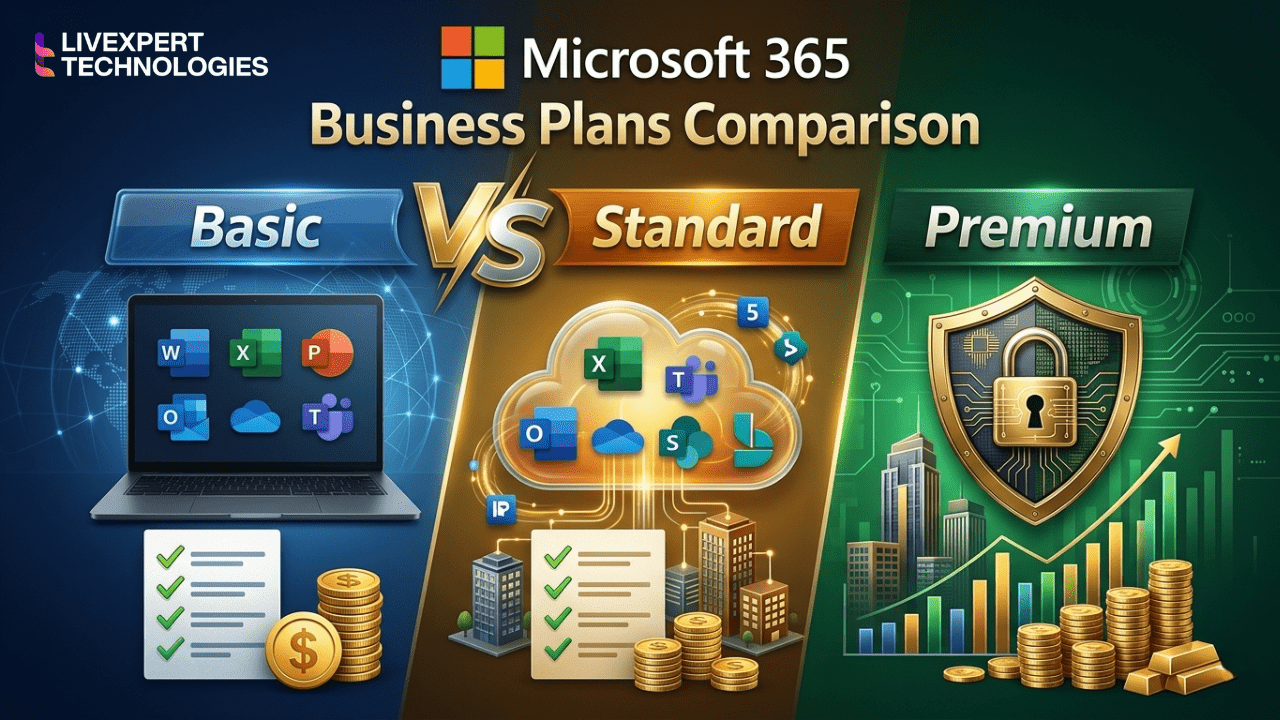
Which Microsoft 365 Plan is Best?
Which Microsoft 365 plan is best for business?
For the vast majority of modern businesses, Microsoft 365 Business Premium is the best plan. While Basic and Standard provide essential apps and email, Business Premium is the only SMB tier that includes enterprise-grade cybersecurity (Microsoft Defender) and mobile device management (Intune) both of which are mandatory for protecting data in remote and hybrid work environments in 2026.
Understanding the Core: Microsoft 365 Plan Differences
Before we look at the prices, you must understand the fundamental microsoft 365 plan differences. Microsoft groups its features into three distinct pillars:
Cloud Services: Professional email hosting (Exchange Online), 1TB of cloud storage (OneDrive), company intranets (SharePoint), and collaboration (Microsoft Teams).
Productivity Apps: Word, Excel, PowerPoint, and Outlook (delivered either via a web browser or as fully downloadable desktop applications).
Security & Device Management: Advanced defense against ransomware, phishing, and the ability to remotely wipe company data from lost laptops or smartphones.
How these three pillars are mixed and matched determines the plan. Let’s break down the exact microsoft 365 business pricing and features for companies with fewer than 300 employees. (Note: Pricing is approximate globally, usually billed annually).
1. Microsoft 365 Business Basic (The Cloud-Only Starter)
Estimated Price: ~$6.00 per user/month
The Concept: You get the cloud services, but only web-based versions of the apps.
What is Included:
Professional email with a 50GB mailbox.
1TB of OneDrive cloud storage per user.
Microsoft Teams for chat and video meetings.
Web and mobile versions of Word, Excel, and PowerPoint.
What is Missing:
No downloadable desktop versions of Word or Excel. You must be connected to the internet to work.
No advanced security or device management.
Who Should Choose Business Basic?
This plan is ideal for frontline workers, retail staff, or very lean startups where employees only need to check email, join Teams meetings, and occasionally view a document. It is not recommended for finance, legal, or content teams who require the processing power of the Excel desktop app.
2. Microsoft 365 Business Standard (The Traditional Suite)
Estimated Price: ~$12.50 per user/month
The Concept: You get everything in Basic, plus the fully installable desktop applications.
What is Included:
Everything in Business Basic.
Fully installable desktop versions of Word, Excel, PowerPoint, Access, and Publisher for up to 5 PCs/Macs per user.
Webinar hosting capabilities within Microsoft Teams.
What is Missing:
Advanced cybersecurity. You still only have basic spam filtering.
Who Should Choose Business Standard?
This is the most common entry point for traditional office workers. If your team creates complex spreadsheets, formats large reports, and needs to work offline, they need the desktop apps provided here. However, as we noted in our deep dive on Microsoft 365 vs Office 365 Pricing, Standard leaves your devices completely unprotected. You will need to purchase third-party antivirus and device management software.
3. Microsoft 365 Business Premium (The Ultimate 2026 Choice)
Estimated Price: ~$22.00 per user/month
The Concept: You get everything in Standard, plus enterprise-level cybersecurity and device management.
What is Included:
Everything in Business Standard (Desktop apps, email, Teams, cloud storage).
Microsoft Intune: Manage all company laptops, iPhones, and Androids remotely. Enforce encryption and wipe data if a device is stolen.
Microsoft Defender for Business: Next-generation AI antivirus that stops ransomware and detonates malicious email attachments in a sandbox.
Entra ID Premium P1: Advanced identity protection, conditional access (e.g., blocking logins from outside your home country), and enforced Multi-Factor Authentication (MFA).
Azure Information Protection: Prevent employees from forwarding sensitive client emails or copying data to personal USB drives.
Who Should Choose Business Premium?
Any company that takes its data seriously. If you have remote workers, handle client financial data, or operate in healthcare, legal, or IT sectors, this is non-negotiable.
To see exactly why we recommend this to all Livexpert clients, read our guide on Microsoft 365 Security Features Explained.
4. Microsoft 365 Apps for Business
Estimated Price: ~$8.25 per user/month
The Concept: Only the desktop apps and cloud storage. No email hosting.
What is Included:
Desktop versions of Word, Excel, PowerPoint.
1TB of OneDrive storage.
What is Missing:
No professional Exchange email. No Microsoft Teams.
Who Should Choose Apps for Business?
Almost no one. This plan only exists for companies that use a different provider for email (like Google Workspace) but still have employees who demand the desktop version of Microsoft Excel.
Side-by-Side Feature Matrix: Basic vs Standard vs Premium
Here is the quickest way to visualize the microsoft 365 business plans comparison for your decision-makers:
| Feature Capability | Business Basic | Business Standard | Business Premium |
| Web & Mobile Apps | Yes | Yes | Yes |
| Desktop Apps (PC/Mac) | No | Yes | Yes |
| Business Email (Exchange) | Yes | Yes | Yes |
| Cloud Storage (1TB) | Yes | Yes | Yes |
| Microsoft Teams | Standard | Standard + Webinars | Standard + Webinars |
| Microsoft Intune (MDM) | No | No | Yes |
| Advanced Cyber Threat Protection | No | No | Yes |
| Data Loss Prevention (DLP) | No | No | Yes |
(Note: Wondering where “Office 365” fits into this table? Read our pillar post on Microsoft 365 vs Office 365 to learn why the legacy Office brand was retired for these SMB tiers).
What About Office 365 Business Plans?
If you have been in IT for a long time, you are likely still searching for office 365 business plans.
As we covered in our guide Is Office 365 Discontinued?, Microsoft rebranded all SMB plans in 2020.
Office 365 Business Essentials became Microsoft 365 Business Basic.
Office 365 Business Premium became Microsoft 365 Business Standard.
Microsoft 365 Business became Microsoft 365 Business Premium.
If you are a large enterprise with more than 300 employees, you can still buy Office 365 Enterprise plans (E1, E3, E5), but these are entirely separate from the Business tiers discussed in this article.
FAQ
The main difference is that Business Basic only includes web browser-based versions of Microsoft applications (Word, Excel), while Business Standard includes fully downloadable, offline desktop versions of these apps for up to 5 devices per user.
Yes. Business Premium includes Microsoft Defender and Intune. If you purchase Business Standard, you will still need to buy third-party antivirus, device management, and email filtering software, which often ends up costing more than the $9.50/month upgrade to Business Premium.
Yes. A company can assign Business Premium licenses to its executives and remote workforce who need high security, and assign Business Basic licenses to warehouse or retail staff who only need a company email address, optimizing total IT costs.
No, Microsoft Copilot for Microsoft 365 is not included by default in these plans. It is a premium add-on (typically around $30/user/month). However, you must have a Business Standard or Business Premium license as a prerequisite base to purchase and use Copilot.
Final Verdict: Stop Guessing, Start Optimizing
Choosing between Microsoft 365 basic vs standard vs premium isn’t just a matter of software it is about defining how your business operates, communicates, and defends itself in 2026.
If you are on a microscopic budget and only need email: Choose Basic.
If you are a traditional office using third-party IT security: Choose Standard.
If you want a secure, remote-ready, AI-capable business: Choose Premium.
Don’t Pay for Licenses You Don’t Need
One of the biggest leaks in a company’s budget is poorly optimized Microsoft licensing. Many companies have overlapping licenses, ex-employees still consuming paid seats, or teams on Premium when they only need Basic.
As a certified Microsoft implementation partner, Livexpert specializes in Microsoft 365 licensing audits, setups, and migrations.
We will analyze your current infrastructure, mix and match the exact microsoft 365 business plans you need, and deploy the security policies to keep your data safe.
Check out our complete Microsoft 365 Implementation Guide for Businesses to see how we deploy these plans, or Contact Livexpert today for a free licensing and security audit.